
2026macOSAvailableSource available
Tunnelflare
Cloudflare Tunnels in your menu bar.
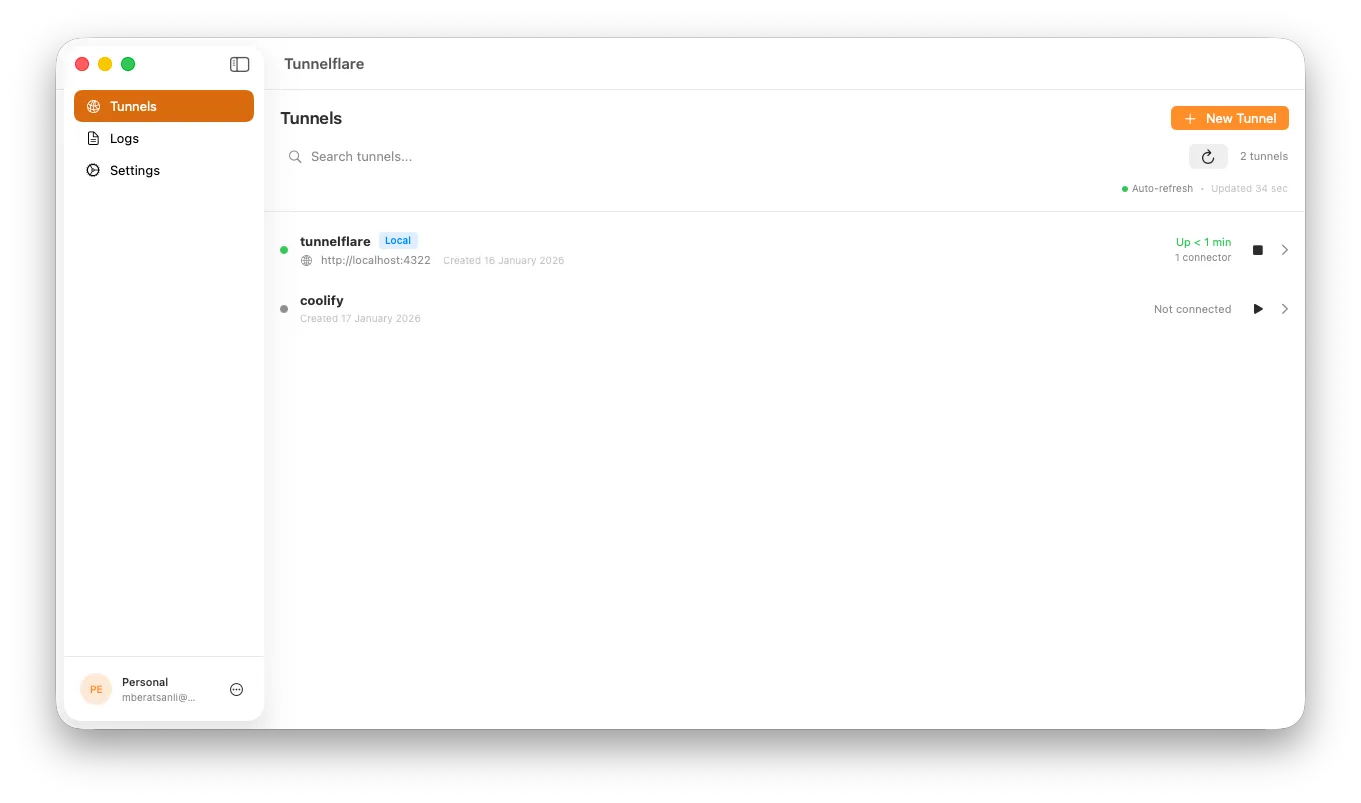
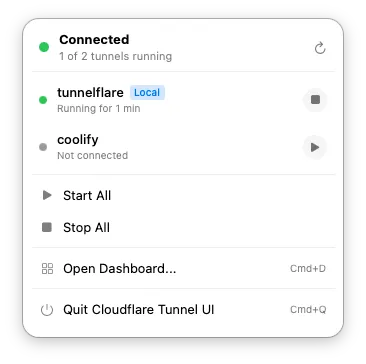
If you run Cloudflare Tunnels, you know the routine: open a terminal, type the commands, check the status, repeat. Tunnelflare puts your tunnels in the menu bar instead.
What it does
- Shows tunnel status at a glance from the menu bar
- Starts and stops tunnels with a click
- Opens a dashboard when you need more detail
- Streams logs in real time
- Alerts you when something goes wrong
Tunnelflare needs macOS 14 Sonoma or later and a Cloudflare account.
- contact@sanlilab.dev